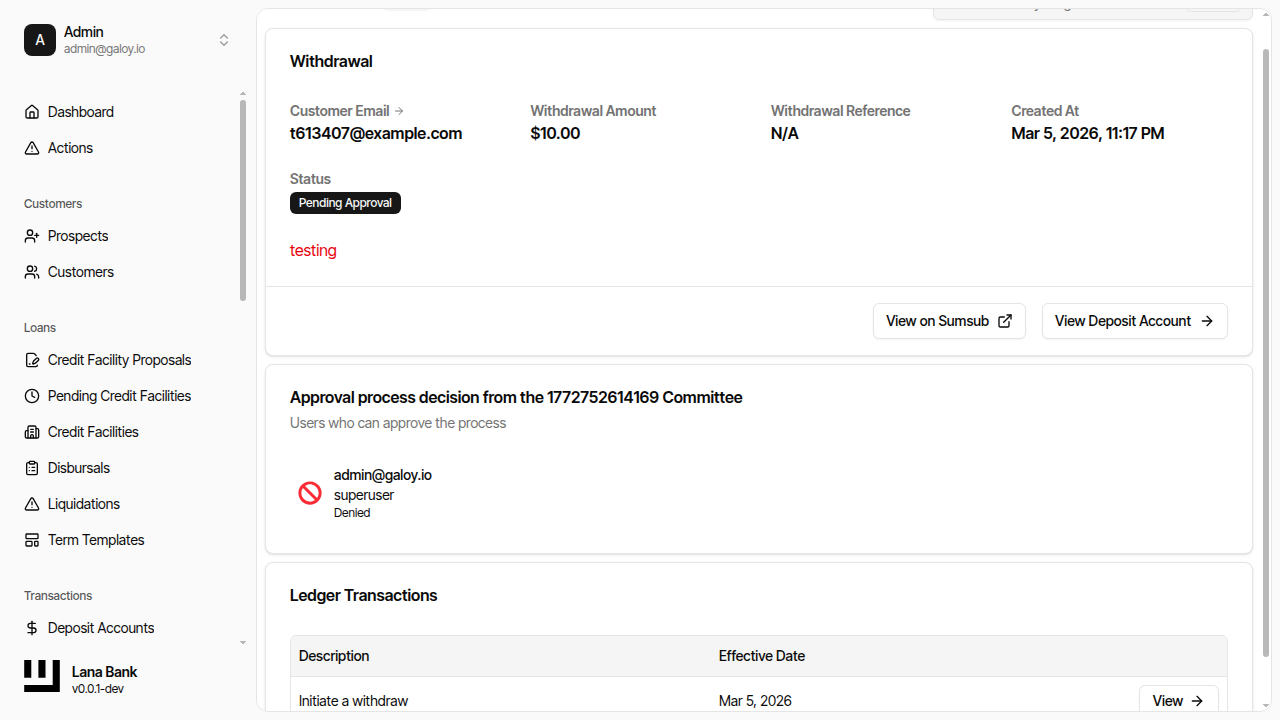
Approval Policies
A policy defines the approval rules for a specific type of operation. Each operation type (credit facility proposals, disbursals, withdrawals) has exactly one policy. Policies control whether operations are approved automatically or require committee review, and if so, how many approvals are needed.
Policy Structure
Each policy contains:
- Process Type: The operation category this policy governs. There is a uniqueness constraint: only one policy can exist per process type.
- Approval Rules: Either
SystemAutoApprove(operations are approved instantly) orCommitteeThreshold(operations require committee votes). See below for details.
Process Types
Three process types are registered at system startup:
| Process Type | Identifier | Used By |
|---|---|---|
| Credit Facility Proposal | credit-facility-proposal | Credit module: when a customer accepts a proposal |
| Disbursal | disbursal | Credit module: when an operator creates a disbursal |
| Withdrawal | withdraw | Deposit module: when an operator initiates a withdrawal |
Policy initialization is idempotent: if the policy for a process type already exists, the existing policy is returned unchanged. This allows modules to safely register their policies at every startup without creating duplicates.
Approval Rules
System Auto-Approve (Default)
Every policy is created with SystemAutoApprove rules by default. Under this mode, any approval process started against this policy concludes immediately with an approved result. No human review is required.
This is the appropriate setting when:
- The operation type is low-risk and does not require oversight.
- The bank is in initial setup and has not yet configured committees.
- Testing or development environments where approval friction is undesirable.
Committee Threshold
When an administrator assigns a committee and threshold to a policy, the rules change from SystemAutoApprove to CommitteeThreshold. Under this mode:
- Every new approval process requires votes from the assigned committee.
- The threshold specifies the minimum number of approve votes needed from eligible members.
- A single deny vote from any eligible member immediately rejects the process.
Validation rules for threshold assignment:
- The threshold must be at least 1 (zero is not allowed).
- The threshold must not exceed the current number of members in the committee.
- If the committee has 0 members, a threshold cannot be assigned.
Changing the policy rules only affects future approval processes. Any processes already in progress continue under the rules they were created with (the rules are snapshotted into each process at creation time).
Configuring Policies
Initial State
After deployment, all three policies exist with SystemAutoApprove rules. All operations are approved automatically.
Assigning a Committee
To require manual approval for an operation type:
- Create a committee (see Committee Configuration).
- Add at least one member to the committee.
- Navigate to the policy for the desired operation type.
- Assign the committee and specify a threshold (the number of approvals required).
After assignment, all new operations of that type will require committee approval. Existing in-flight processes are not affected.
Changing the Rules
You can reassign a different committee or change the threshold at any time. The same validation rules apply: the threshold must be between 1 and the number of members in the new committee. You can also revert a policy to auto-approve by updating the rules (though the admin panel typically does this by assigning a different configuration).
How Rules Are Applied to Processes
When a new approval process is started, the current rules from the policy are copied (snapshotted) into the process. This means:
- If you change a policy's rules while a process is active, the active process continues with its original rules.
- The rules snapshot includes the committee ID and threshold, not the member list. The member list is fetched fresh at each vote, so membership changes do affect active processes (see Committee Configuration for details on how this works).
Practical Examples
Scenario: Low-value withdrawals auto-approved, high-value manually approved
Lana does not support amount-based routing within a single policy. All withdrawals use the same policy. If you need differentiated approval based on amount, the operational workaround is to use auto-approve and rely on post-fact auditing for low values, or require committee approval for all withdrawals and rely on fast committee response times.
Scenario: Different committees for different operations
You can assign different committees to different policies. For example:
- Credit facility proposals: assigned to a "Credit Risk Committee" with threshold 2
- Disbursals: assigned to the same or a different committee with threshold 1
- Withdrawals: assigned to an "Operations Committee" with threshold 1
This gives the bank flexibility to route different operation types to the appropriate decision-makers.
Admin Panel Walkthrough: Assign Committee and Resolve Actions
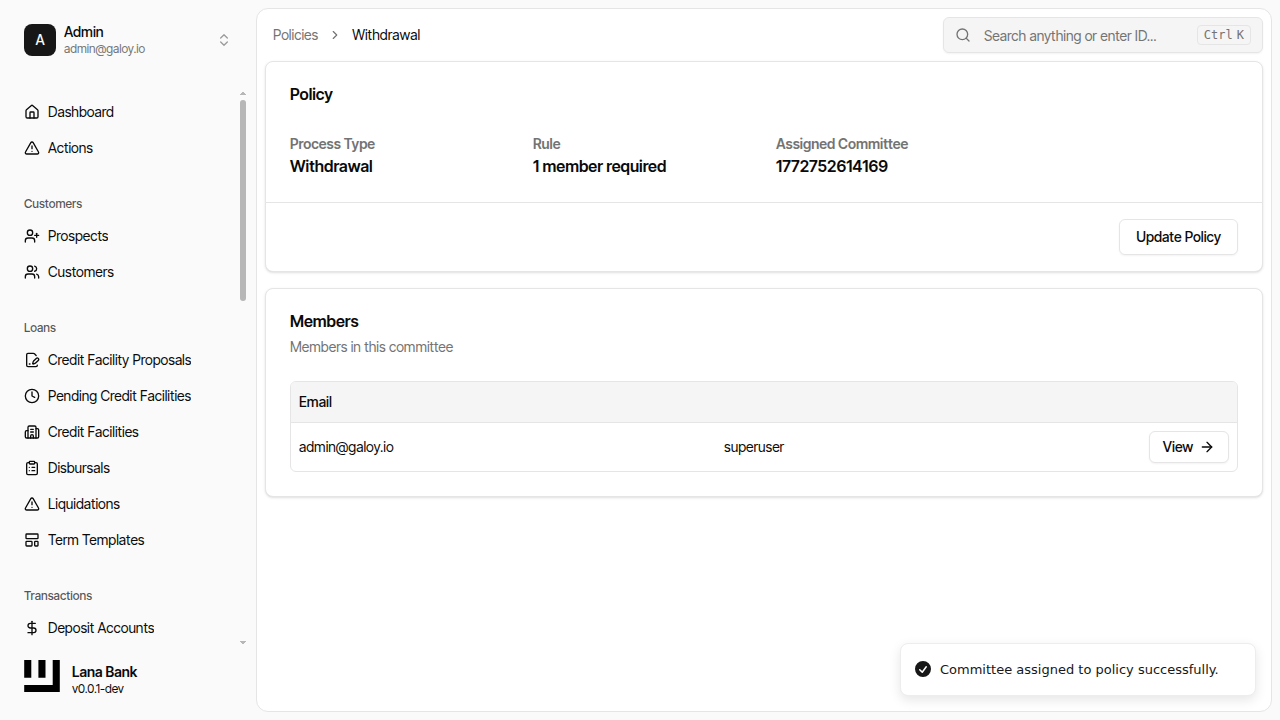
1) Assign committee to policy
Step 12. Open policies page.
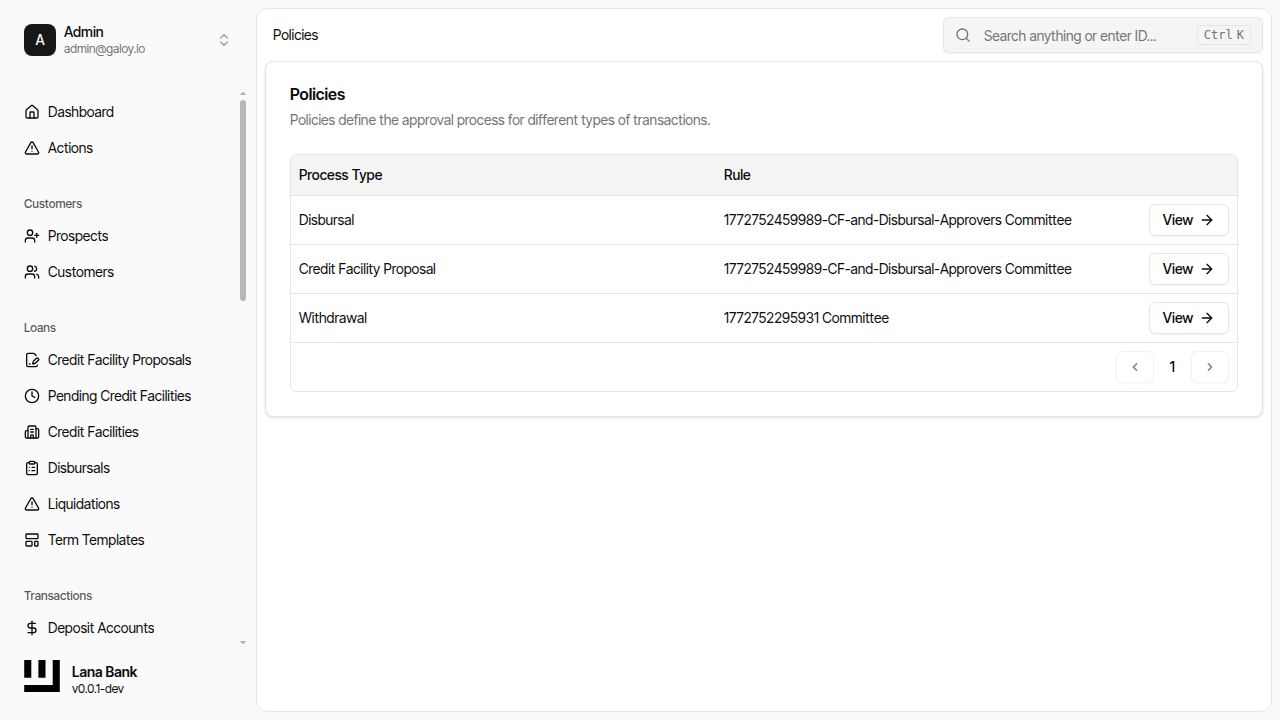
Step 13. Select a policy.
Step 14. Assign committee and threshold.
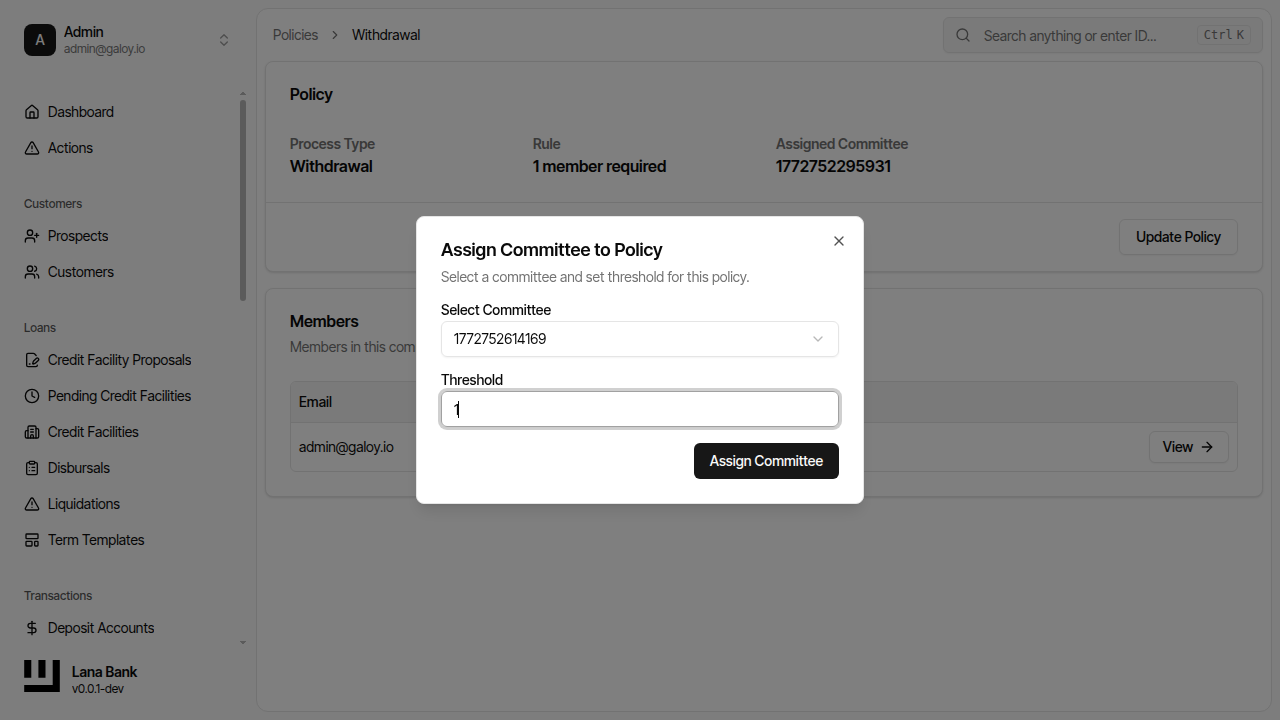
Step 15. Verify assignment success.
2) Review pending actions
Step 16. Open actions queue.
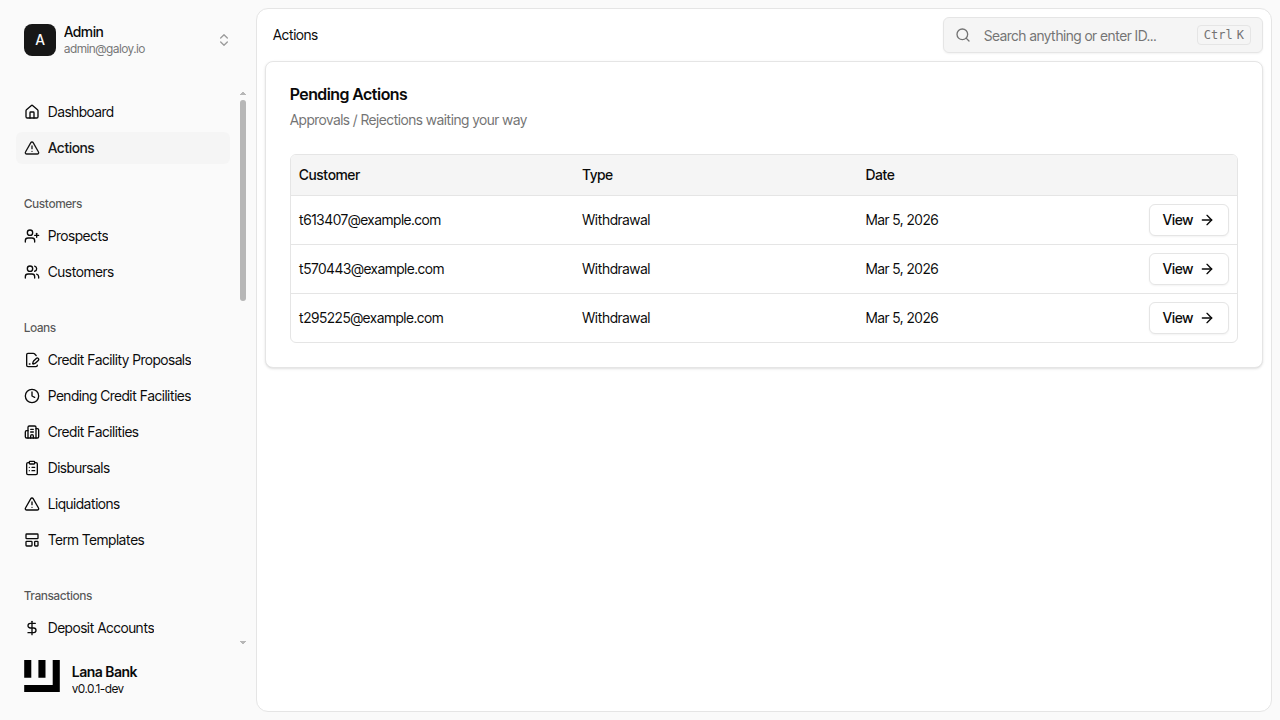
Step 17. Confirm pending request appears.
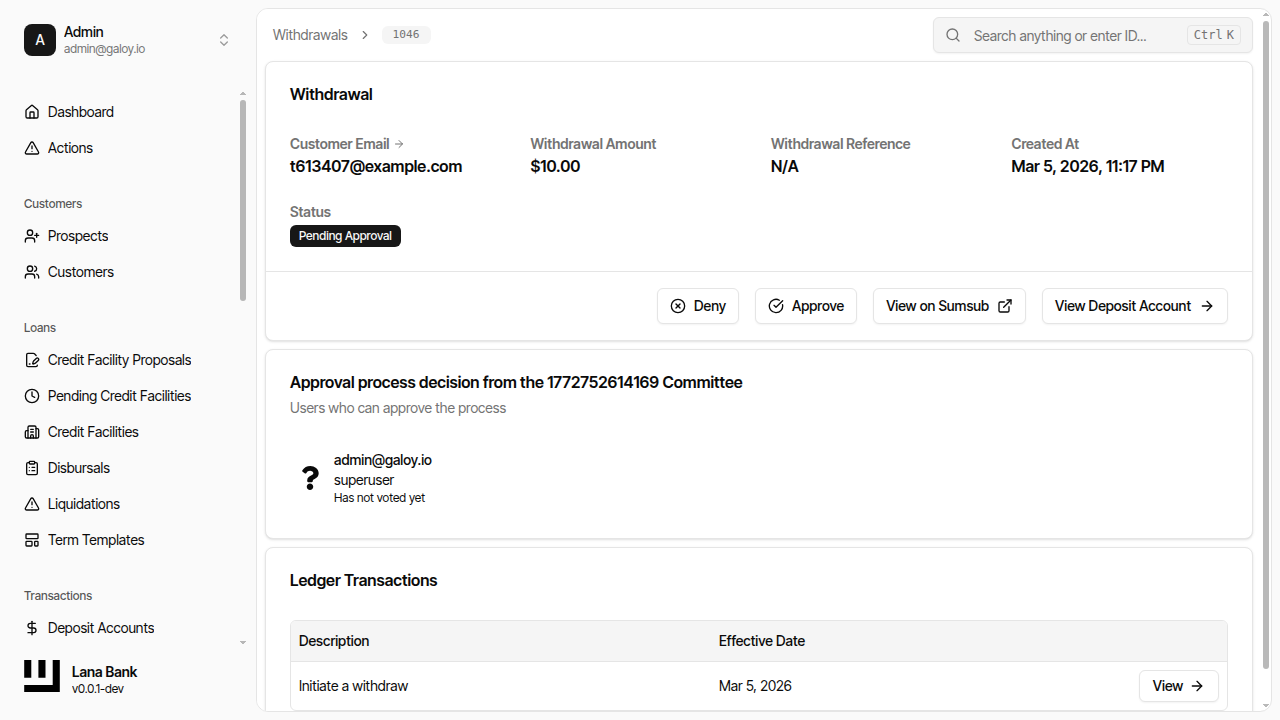
3) Approve or deny process
Step 18. Open request details for decision.
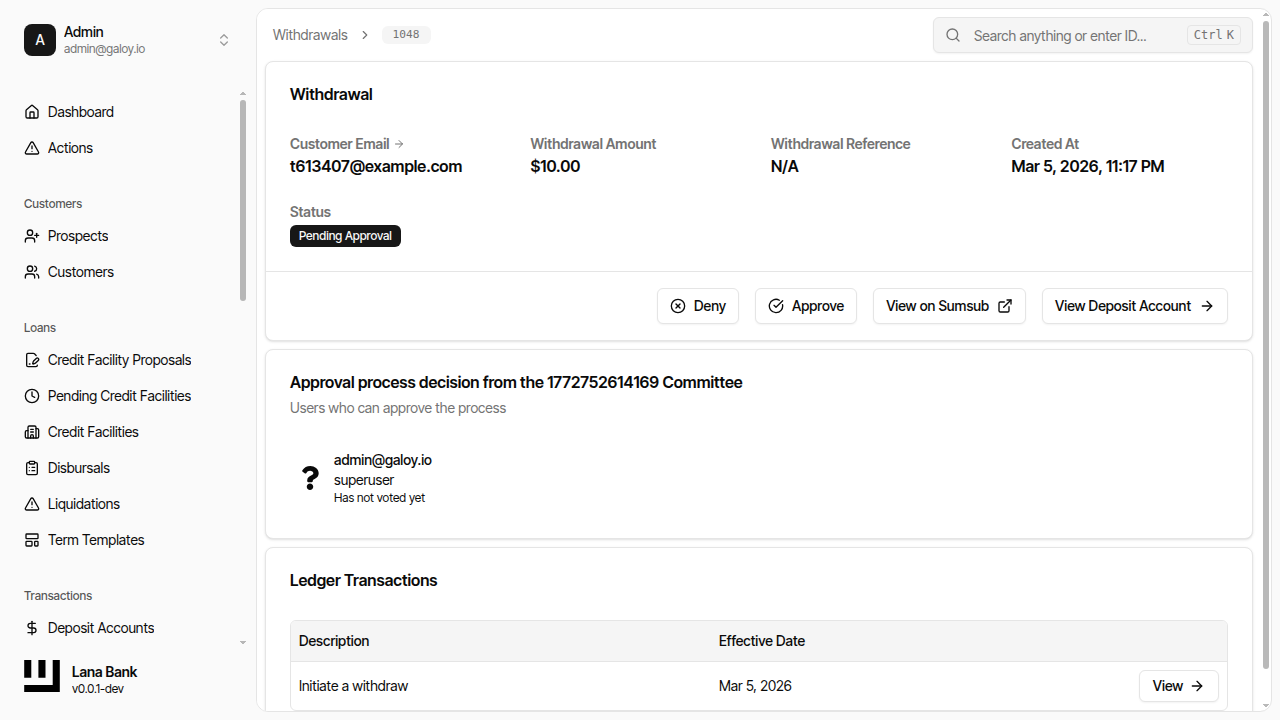
Step 19. Click Approve.
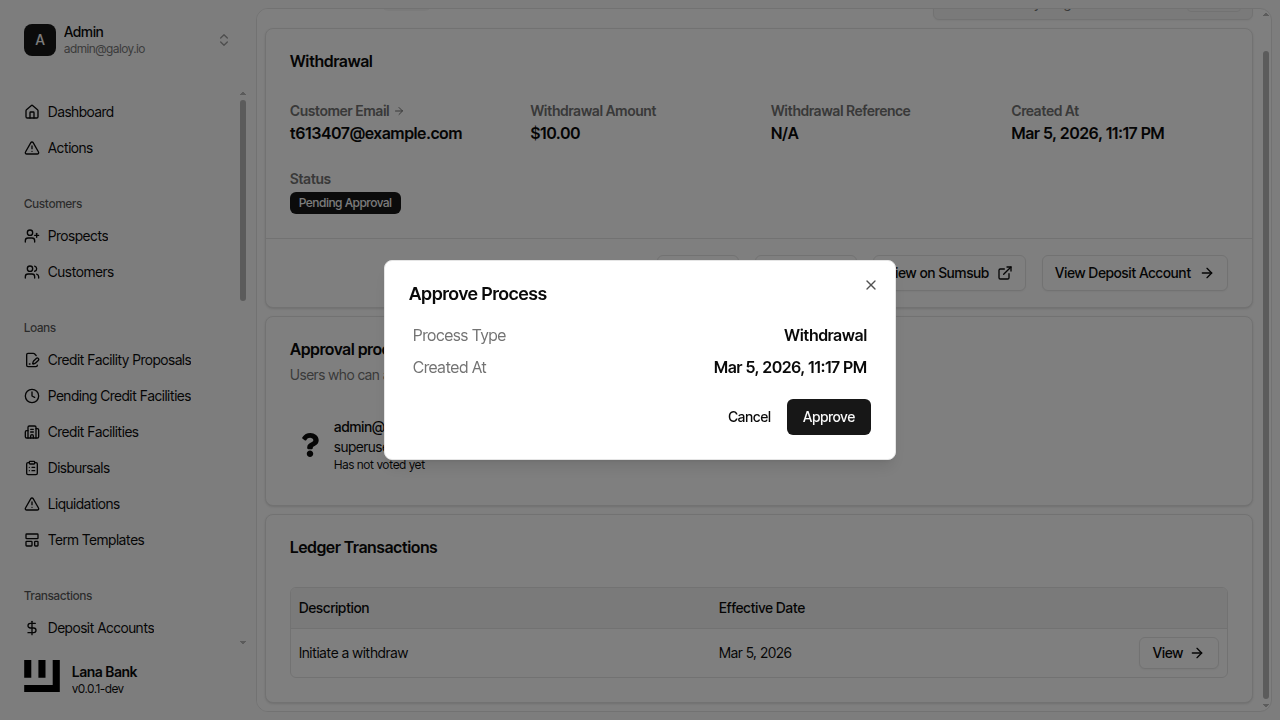
Step 20. Verify approval success and state transition.
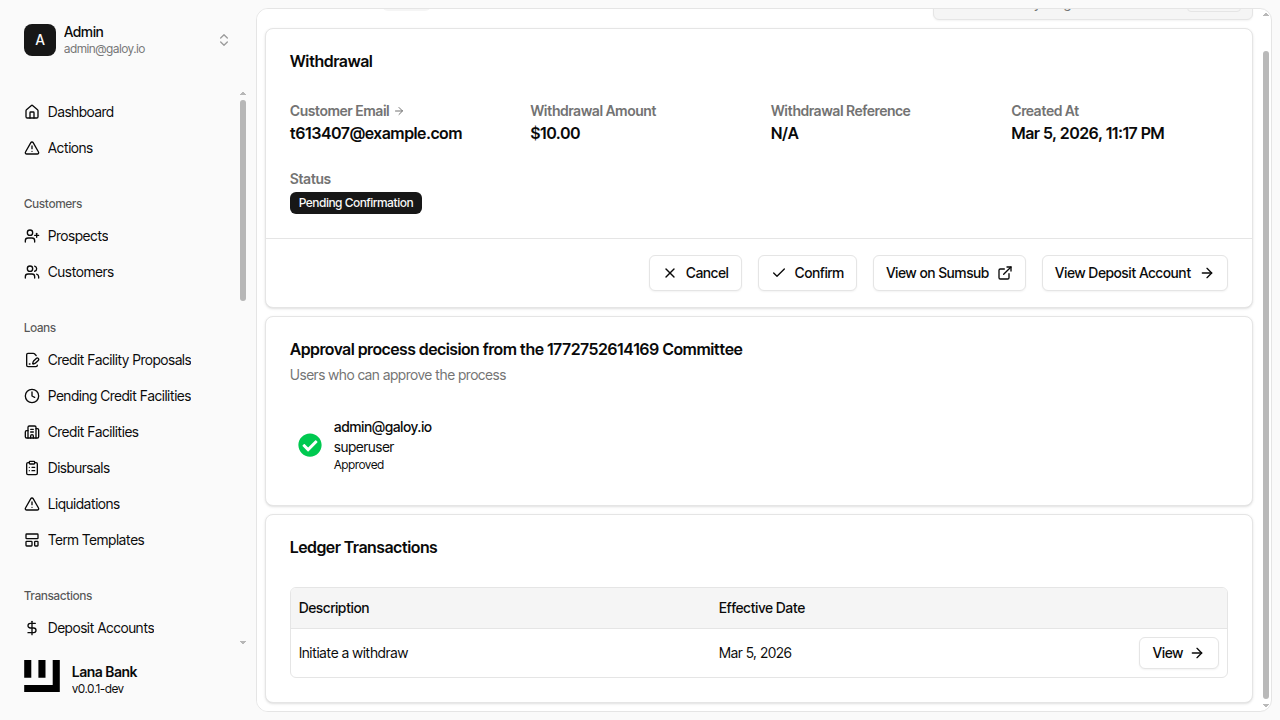
Step 21. Open request for denial flow.
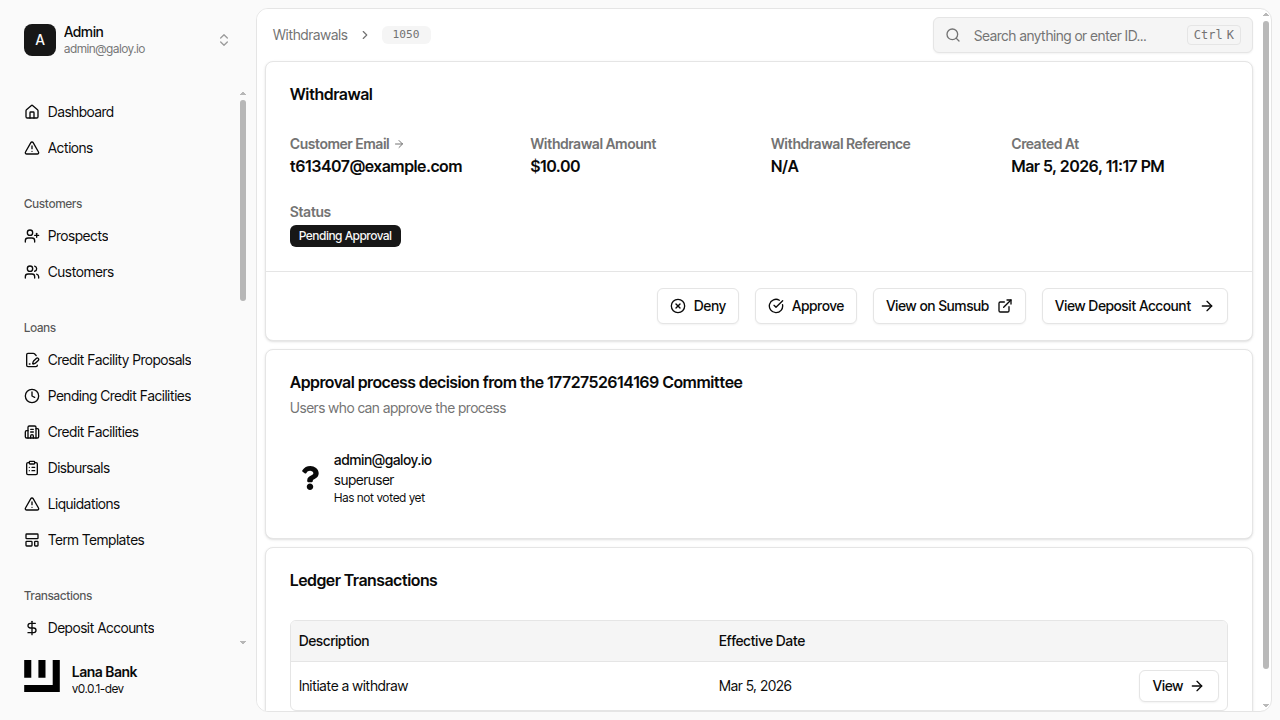
Step 22. Click Deny and provide reason.
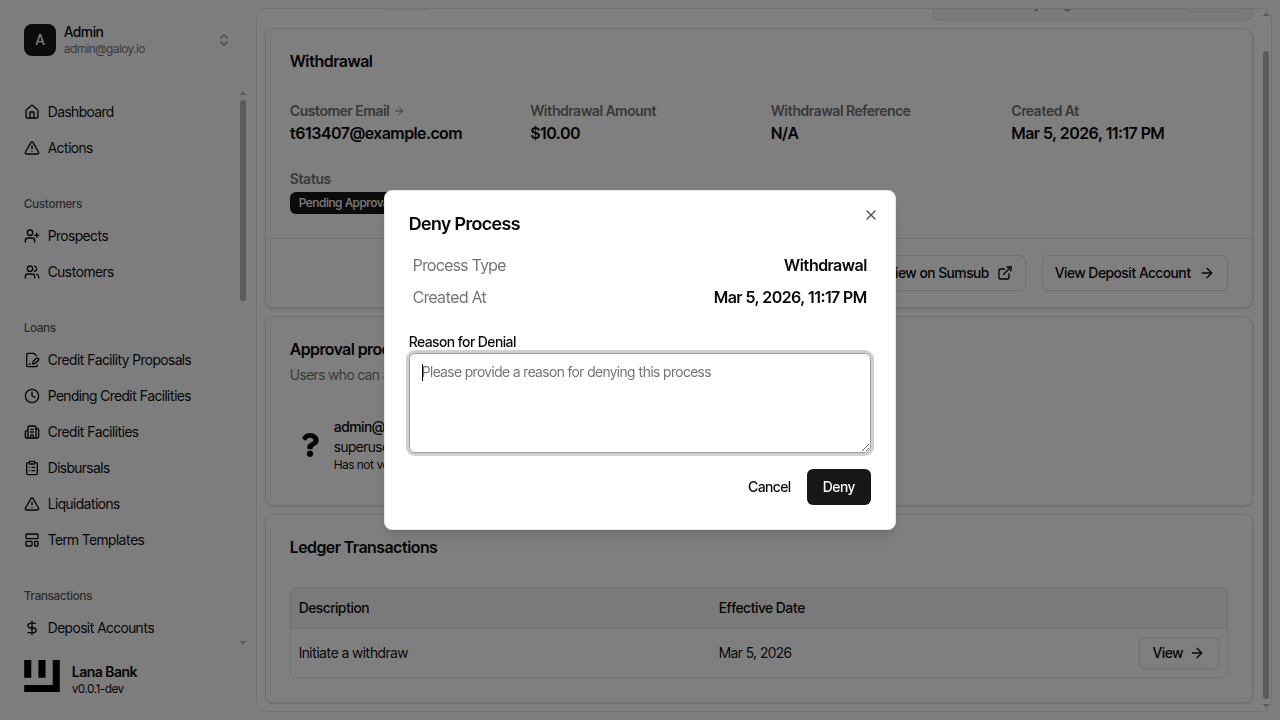
Step 23. Verify denial success and terminal status.