Accounting
The accounting module provides double-entry bookkeeping for all financial operations in Lana. It is built on top of the Cala ledger engine, which guarantees that every transaction maintains the fundamental accounting equation: Assets = Liabilities + Equity. All business operations in the system — deposits, withdrawals, disbursals, interest accrual, payments, and fee recognition — ultimately produce ledger entries that flow through this accounting framework.
Chart of Accounts
The chart of accounts is a hierarchical tree structure that organizes all financial accounts in the system. Each node in the tree represents either an individual account or a group of accounts, identified by dot-separated account codes (for example, "1" for Assets, "11" for Short-term Receivables, "11.01" for a specific customer receivable).
Account Categories
Accounts are organized into the standard financial categories:
| Category | Normal Balance | Description |
|---|---|---|
| Assets | Debit | Resources owned by the bank (cash, receivables, collateral) |
| Liabilities | Credit | Obligations owed to others (customer deposits, payables) |
| Equity | Credit | Owner's stake in the bank (retained earnings, capital) |
| Revenue | Credit | Income earned (interest income, fee income) |
| Cost of Revenue | Debit | Direct costs associated with revenue generation |
| Expenses | Debit | Operating costs (provisions, operational expenses) |
The normal balance type determines how the effective balance is calculated. For debit-normal accounts (assets, expenses), the effective balance is debits minus credits. For credit-normal accounts (liabilities, equity, revenue), the effective balance is credits minus debits.
Account Hierarchy
The chart of accounts uses a parent-child hierarchy where top-level codes represent major categories and sub-codes represent increasingly specific account groups. For example:
- 1 — Assets
- 11 — Short-term Receivables
- 11.01 — Individual customer receivable account
- 12 — Cash and Equivalents
- 11 — Short-term Receivables
- 2 — Liabilities
- 21 — Customer Deposits
- 3 — Equity
- 31 — Retained Earnings
- 31.01 — Retained Earnings (Gain)
- 31.02 — Retained Earnings (Loss)
- 31 — Retained Earnings
Each account in the hierarchy is backed by an account set in the Cala ledger, which allows the system to aggregate balances across all child accounts when generating reports for a parent node.
Accounting Base Configuration
Accounting base configuration maps account categories (as well as retained earnings, which is nested under the Equity category) to specific codes in the chart of accounts. It is required for accounting operations like monthly and fiscal year-end closing and enables the attachment of product modules to the chart of accounts.
It takes the form of JSON, where each key is an account category (or a retained earnings target, one for positive net income and one for negative net income) and each value represents a code in the chart of accounts.
{
  "assets_code": "1",
  "liabilities_code": "2",
  "equity_code": "3",
  "equity_retained_earnings_gain_code": "31.01",
  "equity_retained_earnings_loss_code": "31.02",
  "revenue_code": "4",
  "cost_of_revenue_code": "5",
  "expenses_code": "6"
}
Any root-level node in the chart that is not represented by a key/value pair in accounting base configuration is considered off-balance sheet. Off-balance sheet account sets are typically used for tracking contingencies or representing transactions entering or leaving the system.
Setup
The accounting module requires two configuration files to operate:
- Chart of Accounts (CSV)
- Accounting Base Configuration (JSON)
These should be set prior to inital startup via on-disk configuration files, however the GraphQL mutation chartOfAccountsCsvImport exposes the ability to do this step manually.
Integration Configuration
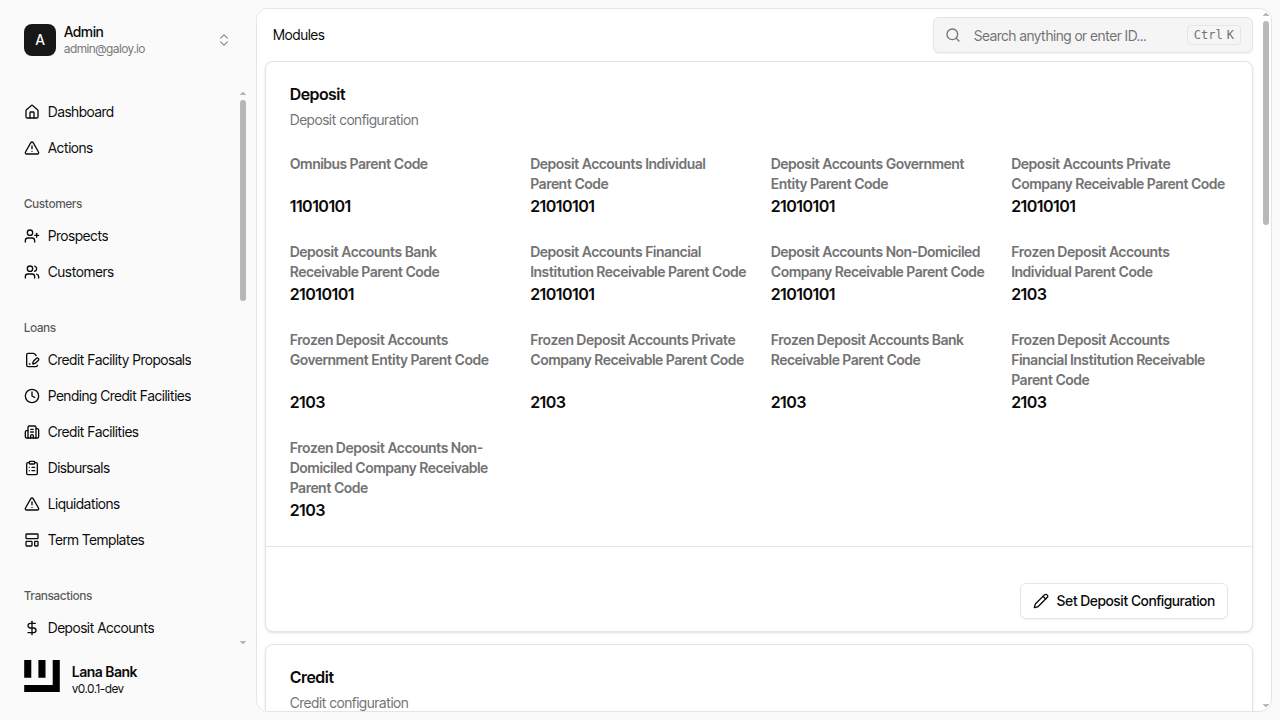
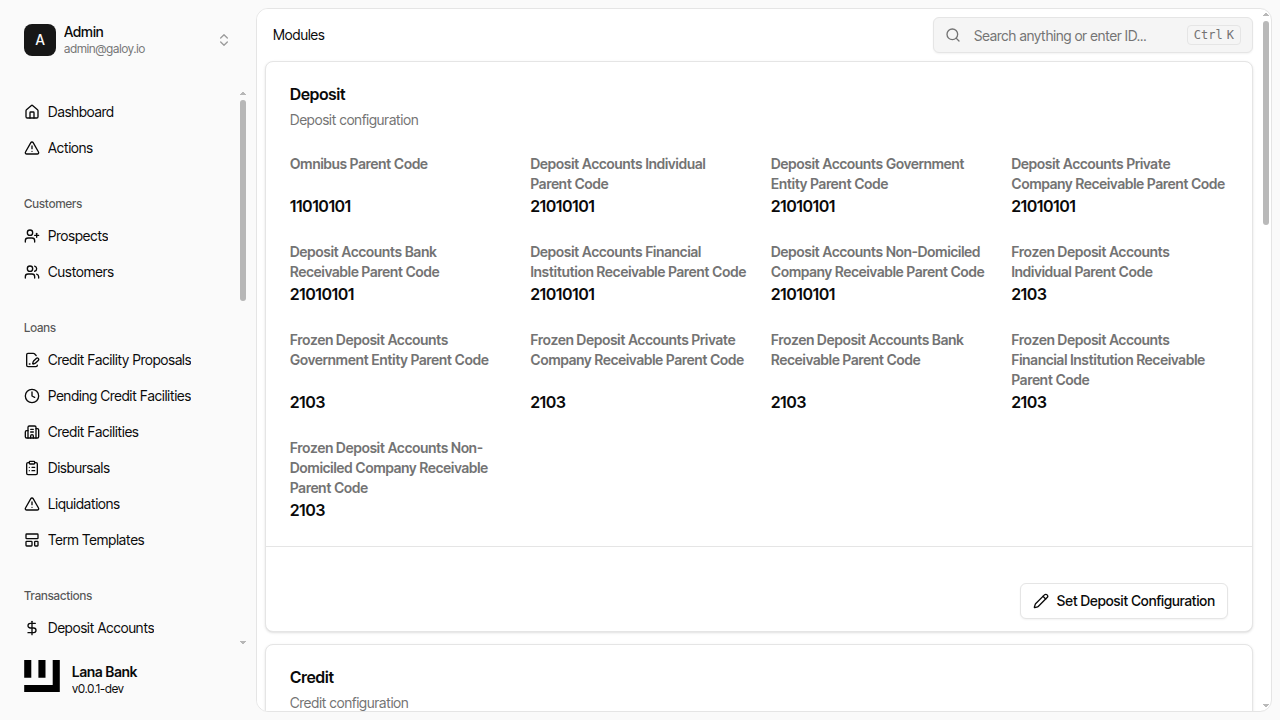
The integration configuration maps customer types and product types to specific positions in the chart of accounts. When a new deposit account or credit facility is created, the system automatically generates the necessary child accounts under the correct parent nodes based on the customer type.
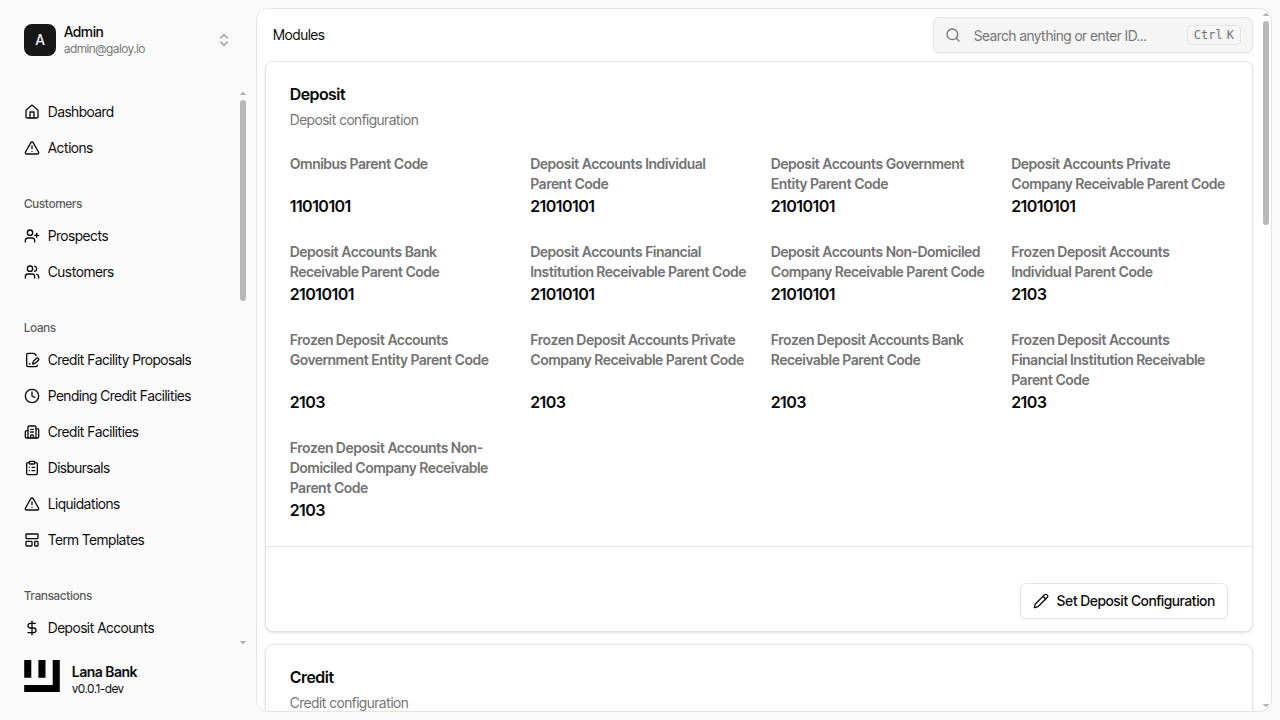
For example, the credit module configuration specifies parent codes for:
- Short-term individual disbursed receivable accounts
- Interest receivable accounts
- Interest income accounts
- Fee income accounts
- Collateral accounts
Similarly, the deposit module configuration specifies parent codes for:
- Customer deposit liability accounts (by customer type)
- Omnibus accounts for fund movements
This automatic account creation ensures that every business operation has a proper accounting home without requiring manual chart-of-accounts maintenance for each new customer.
Financial Statements
The system generates three primary financial statements from the chart of accounts:
Trial Balance
The trial balance lists all first-level accounts (direct children of the chart root) with their debit and credit balances at a specific point in time. Its primary purpose is verification: total debits must equal total credits. If they do not, there is a bookkeeping error somewhere in the system.
The trial balance is the first thing an operator should check when investigating accounting discrepancies. It provides a quick view of whether the ledger is internally consistent.
Balance Sheet
The balance sheet presents the bank's financial position at a specific date by organizing accounts into three sections:
- Assets: What the bank owns (customer receivables, cash, collateral held)
- Liabilities: What the bank owes (customer deposits, payables)
- Equity: The residual interest (retained earnings, contributed capital)
The fundamental equation Assets = Liabilities + Equity must always hold. The balance sheet is constructed by aggregating all accounts under the configured asset, liability, and equity parent codes.
Profit and Loss Statement
The profit and loss (P&L) statement shows the bank's financial performance over a period by calculating net income:
- Revenue: Income earned during the period (interest income from credit facilities, fee income from structuring fees)
- Cost of Revenue: Direct costs associated with generating revenue
- Expenses: Operating expenses, provisions for loan losses, and other costs
Net Income = Revenue - Cost of Revenue - Expenses. This figure represents the bank's profit or loss for the reporting period. At the end of each fiscal year, net income is transferred to retained earnings on the balance sheet through the closing process.
Operational Model
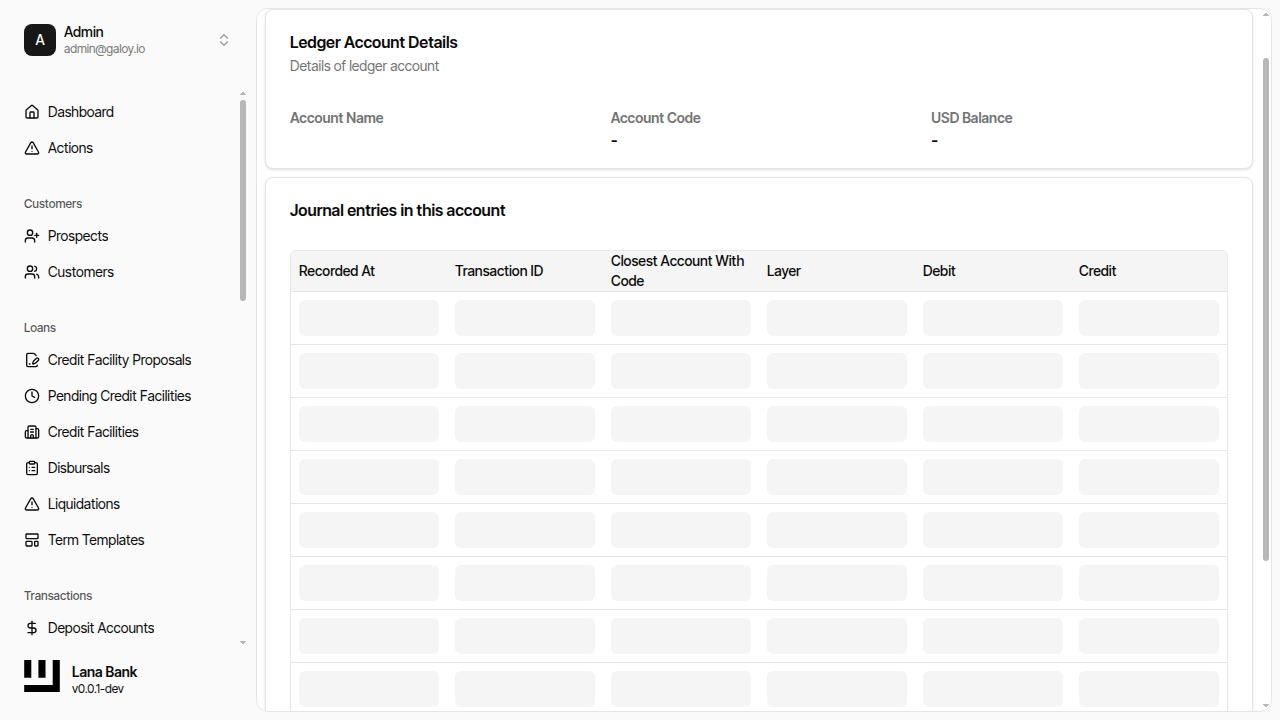
Accounting pages in the admin panel expose ledger-structured views backed by Cala double-entry bookkeeping. Operators typically use:
- Chart of Accounts to inspect hierarchy and account-level activity.
- Trial Balance to validate ledger balance consistency.
- Balance Sheet for position (assets, liabilities, equity).
- Profit and Loss for period performance.
Manual Transactions
In addition to automated accounting entries generated by business operations, the system supports manual transactions for adjustments that do not originate from automated processes. These are useful for:
- Correcting errors discovered during reconciliation
- Recording off-system transactions
- Making period-end adjustments (such as loan loss provisions)
Manual transactions follow the same double-entry rules as automated ones and are fully audited.
Admin Panel Walkthrough: Module Configuration
Module configuration maps operational flows (deposits and credit) to chart-of-accounts parent codes. These mappings are critical because they determine where transactions are posted.
Step 1. Open module configuration.
Step 2. Configure deposit accounting mappings.
Step 3. Configure credit accounting mappings.
Admin Panel Walkthrough: Chart of Accounts
Step 1. Open chart of accounts and verify hierarchy view.
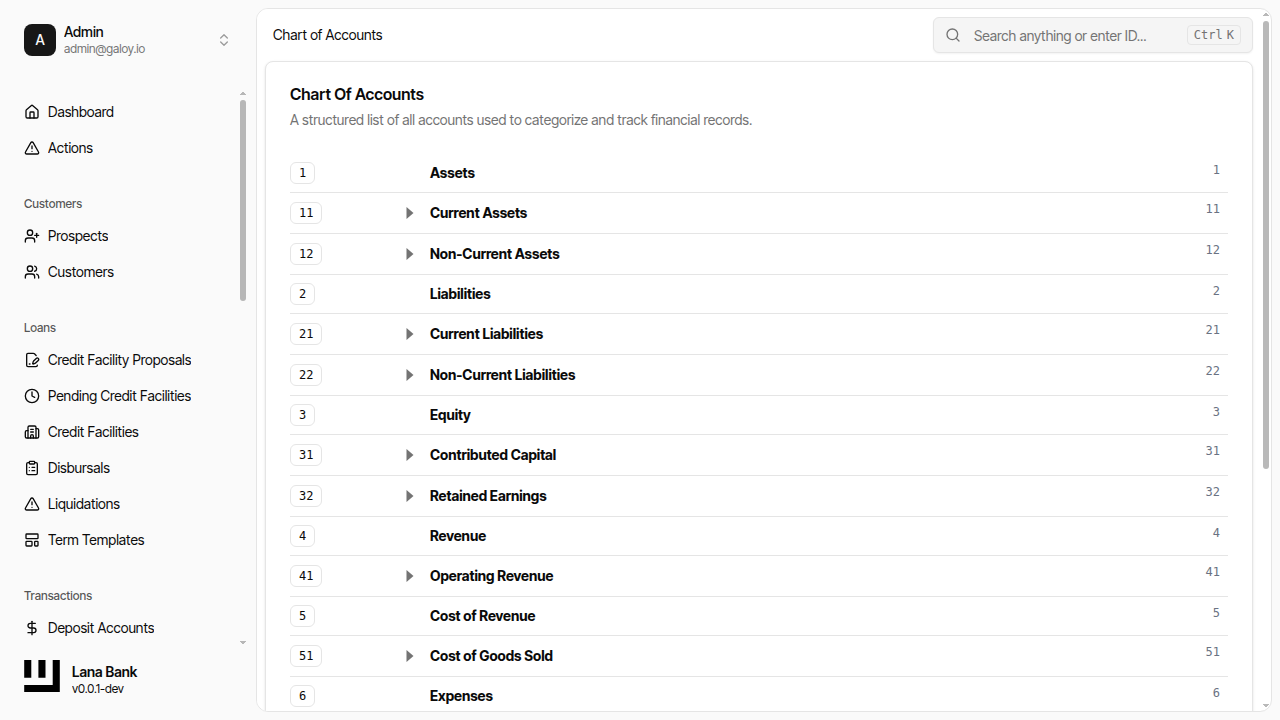
Step 2. Open a ledger account detail to inspect postings.